5 Weirdly Easy Steps for Better WiFi Signal at Home
We found this helpful video on how you can improve your WiFi signal at home in five easy steps. These are tips we go through often when troubleshooting...
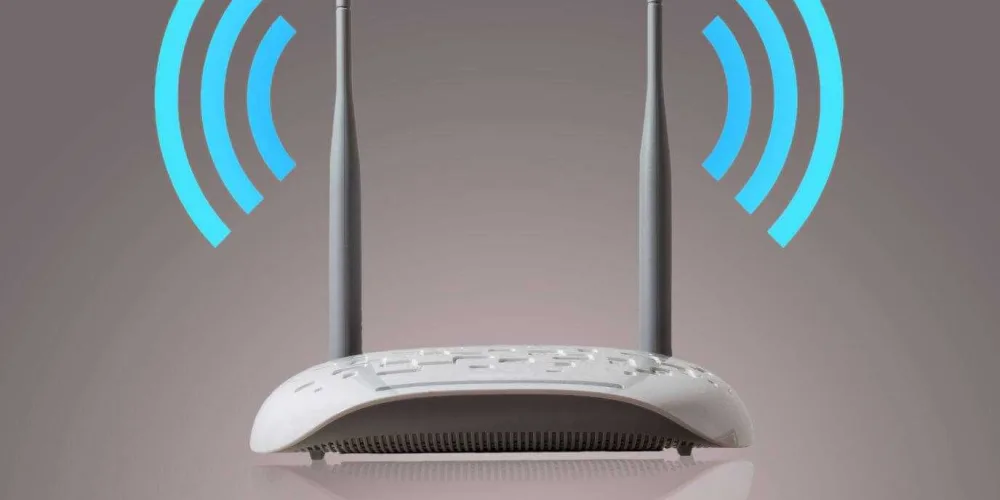
We found this helpful video on how you can improve your WiFi signal at home in five easy steps. These are tips we go through often when troubleshooting WiFi issues with Webafrica customers, and we thought it would make a useful and interesting read.
Before we share the five tips, there are a few facts you need to know about WiFI signal:
Fact 1. WiFi waves are like radio waves
Fact 2. WiFi waves are only 12cm
Fact 3. The signal gets weaker the further it gets from the router
Fact 4. WiFi waves are absorbed and blocked by thick walls, mirrors, and metal surfaces.
Five Easy Ways to Improve your WiFi Signal
1. Position your Router in the open
Don’t hide it away. You want your router in an open, central area of your home so that it can broadcast signal equally all over the house. Use line of site as a guide. Place your router in the spot that lets you see the most number of rooms in your home.
2. Lift it off the ground
Most routers broadcast their signal slightly downwards, so if your router is on the floor you are loosing out on some of your signal.
3. Keep your Router away from other electronics
Anything that has a motor inside it (like the tumble drier) or anything that has its own frequency (like the radio, microwave or TV) will interfere with your WiFi signal.
4. Point the antennas in different directions
This sounds crazy, but if you have one of those routers with two antennas, make sure you point them in different directions. Devices work well when their internal antenna is parallel with the routers, so this allows you to cover all your bases.
5. Map your signal strength.
There are various apps that you can download on your phone that will help you measure your signal strength. These can help you to map out your best and worst signal areas and hopefully help you to get the most out of your WiFi.
Credit for the video goes to https://www.youtube.com/channel/UCLXo7UDZvByw2ixzpQCufnA
Loved the read? Get the speed to match.
Check Fibre & Fixed Wireless coverage at your address in seconds.
More in General
View all →
The Ultimate Household Internet Olympics: Who Uses the Most Data?
Welcome to the Household Internet Olympics, where the competition is fierce, the WiFi is busy, and everyone claims they're "hardly using any data." 😅

Level up your game with Fibre that can keep up
Every dropped packet. Every endless loading screen. Every disconnect right before you clutch the win. It’s frustrating. When you’re gaming online, milliseconds matter...